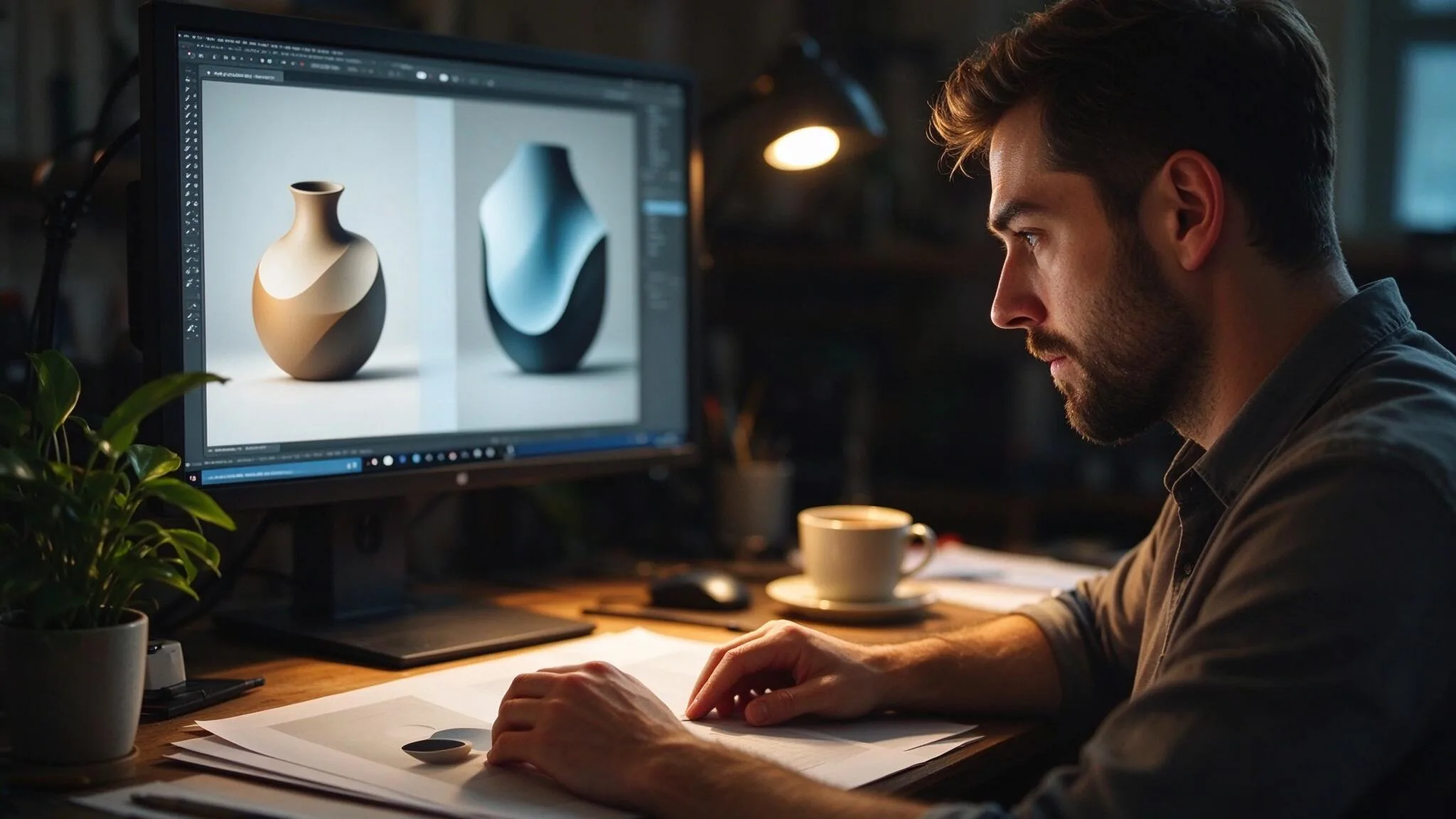
Most small brands and freelance designers do not have a cyclorama, a full light kit, or a prop house on call. They have a product, a brief, and a deadline. Gemini Nano Banana 2.1 can supply convincing lighting, surface, and environmental context that once required those physical resources. The commercial question is whether the resulting images can survive the same scrutiny a real studio shot would receive—identity fidelity, controllable revisions, and clean delivery specs. This article walks through a complete no-studio product-photography workflow, showing both the genuine acceleration and the discipline still required.

Defining the No-Studio Constraints
What the Brief Actually Demands
“Hero product on a clean surface, soft natural-looking light, minimal props, three supporting angles, and enough negative space for lifestyle copy. We need square and vertical crops. The product must look like the real object we ship.” That is a common request from e-commerce operators and small consumer brands. No mention of studio infrastructure appears because none is available.
Reference Material That Still Matters
Even without a studio, a clear product reference—multiple angles, accurate color, distinctive geometry—is non-negotiable. The model can invent beautiful lighting; it cannot invent the exact shoulder curve or closure mechanism the customer will see in the unboxing video. Supplying strong reference images and explicit protection language for those markers is the foundation of the entire workflow.
Lighting and Surface Language That Replaces Physical Gear
Instead of naming softboxes and diffusion, the instruction set describes the desired light behavior: “soft side light as if from a north-facing window, gentle fall-off, no hard specular hits on the primary face.” Surface descriptions stay specific: “matte light oak,” “cool gray stone,” “warm linen.” These phrases give the model enough direction to simulate the studio look without requiring the physical setup.
Generating the Core Product Set
Hero Frame Lock
The first successful hero placed the product under the described soft side light on a light oak surface with a single supporting prop that did not compete. Geometry, material response, and label hierarchy were checked against the physical reference. Once locked, that frame became the source for every controlled variation.
Supporting Angles Without Losing Identity
Two additional angles—three-quarter and slight top-down—were generated with explicit instructions to protect the same identity markers while changing only camera height and orbit. Both required minor geometry confirmation. One introduced a small material shift that was corrected in a design tool rather than re-generated, preserving the lighting already approved.
Crop Variants for Platform Delivery
Square and vertical crops were requested as single-variable edits from the locked hero. As observed in earlier tests, the model sometimes reinterpreted composition rather than strictly reframing. Exact pixel crops and negative-space proportions were therefore finished in layout software. The generation stage supplied the lighting and surface; the design stage supplied delivery precision.
Controlled Edits That Replace Studio Reshoots
Surface and Light Swaps
Changing only the surface from oak to stone, or only the light temperature from neutral to slightly warm, produced usable results when protection language was strict. These edits replace the physical act of swapping tabletops or geling lights. They are not risk-free—reflected light on the product can shift—but the magnitude of change is usually smaller than a full re-generation.
Prop Addition and Removal
Adding or removing a single non-competing prop is one of the higher-value controlled operations. When the instruction forbids any rescale or reposition of the product, success rates improve. When the model still compensates by subtly altering product scale, the fix is a quick composite or design-tool adjustment rather than another full generation cycle.
Seasonal or Contextual Overlays
Subtle seasonal cues (a single leaf, a shift in linen color) can be introduced as single-variable requests. Broader “make it feel more holiday” language tends to rewrite lighting and material response. The disciplined path is to keep seasonal requests concrete and minimal.
Honest Limits and Production Handoff
Where the Simulated Studio Still Falls Short
Complex reflective products, highly detailed mechanical parts, and any packaging that must match a physical dieline at print resolution still benefit from real capture or precise 3D. The model can supply excellent directional lighting and environmental mood for many matte or softly reflective consumer goods. It is not yet a universal replacement for every product category.
File Prep and Delivery Standards
Generated images require the same final hygiene a studio file receives: color-space confirmation, exact pixel dimensions, naming conventions, and any required background clean-up. Treating the model output as a finished production file is the fastest way to create downstream problems.
Workflow Summary for No-Studio Teams
Supply strong multi-angle product reference.
Lock lighting and surface language that mimics the desired studio conditions.
Generate and protect a hero that passes identity check.
Execute single-variable edits for angles, surfaces, light, and props.
Finish crops, text, and precise geometry in design tools.
Run the same client-review simulation you would run on real studio files.
Product photography without a studio is now a practical option for many commercial categories. Gemini Nano Banana 2.1 can simulate the lighting and environmental control that once required physical space and gear. The images that survive client review are the ones that treat identity markers as sacred, keep edits narrow, and hand off the moment precision outweighs exploration. The studio is no longer mandatory. Visual-systems discipline still is.
For AI tool features, rules and availability, refer to their official sites.

Leave your thoughts here, too.