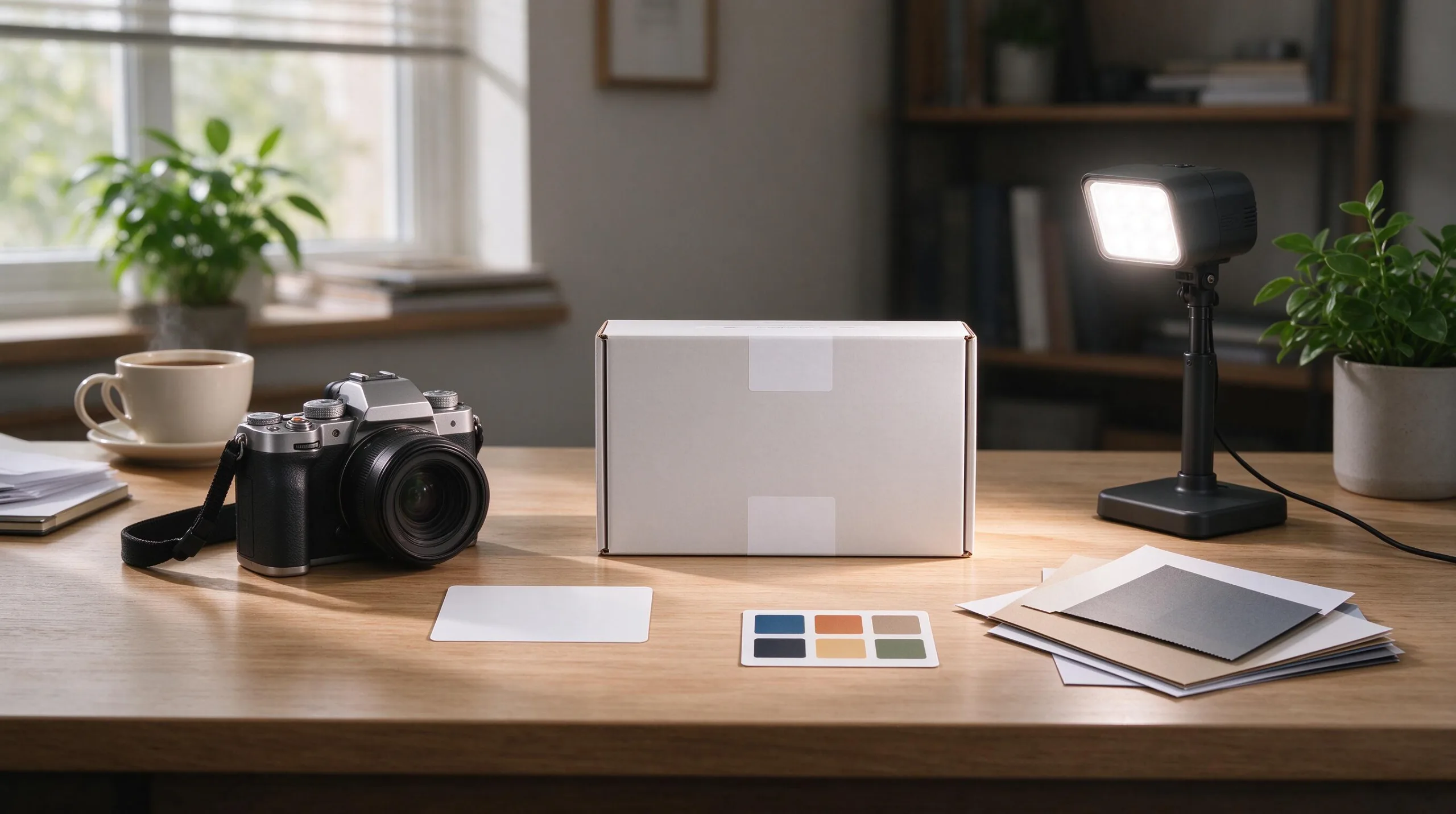
Packaging mockups are where many AI image workflows quietly fail the first client review. The bottle or box looks expensive, the lighting feels premium, and then the label text softens, the hierarchy collapses, or a distinctive closure detail drifts just enough to make the physical product team ask which version is real. I ran Gemini Nano Banana 2.1 through a series of packaging-focused briefs designed to expose exactly those failure points—front-of-pack labels, secondary claims, material response, and small structural details—so the resulting mockups could either survive review or reveal the precise hand-off moment to a design tool.
Building Mockups That Match Real Review Criteria
The Briefs That Create Immediate Friction
Three parallel briefs were used. First: a small-batch hot-sauce bottle with a primary product name, a short flavor claim, and a secondary “small batch” line that must remain legible at typical social-feed size. Second: a rectangular carton for a specialty coffee with multi-line hierarchy and a window that reveals the bag inside. Third: a low-profile tin for a wellness balm whose lid embossing and side-wrap label had to stay coherent under a three-quarter view. In every case the physical product reference was supplied and the non-negotiable markers were written into the instructions before any generation began.
Identity Markers Specific to Packaging
Beyond general product geometry, packaging adds its own locked list: primary label placement and scale, secondary text block position, closure or lid silhouette, material finish (matte kraft, soft-touch coating, metallic ink simulation), and any structural feature the customer will recognize on the shelf or in an unboxing. An image that looks beautiful but alters any of those markers fails the review even if the client initially smiles at the lighting.
Why “Looks Like Packaging” Is Not Enough
Clients and production partners review mockups against the actual dieline, the approved typography, and the physical sample. A generation that approximates the look but rearranges hierarchy or softens a distinctive shoulder curve creates downstream friction: the printer asks which file is authoritative, the e-commerce team wonders why the hero shot does not match the PDP, and the founder loses confidence in the visual system. The test therefore measured survival under that scrutiny, not isolated visual appeal.
Generation Results and Early Failure Patterns
Short Primary Claims Versus Multi-Line Hierarchy
Short, high-contrast primary product names survived more often than secondary claims or multi-line descriptive blocks. When the instruction limited text to a few words and gave them clear negative space, legibility at social size remained usable after light design-tool polish. The moment hierarchy expanded—flavor notes, ingredient call-outs, or multi-line cartons—the model treated finer text as decorative texture. Those frames became strong art-direction references and immediate candidates for text rebuild in a layout application.
Material and Closure Drift Under Angle Changes
Three-quarter and slight top-down views introduced the most frequent structural drift. A soft-touch lid could gain unwanted gloss; a distinctive dropper or tin embossing could soften or shift position. These changes rarely made the image less attractive. They made it less trustworthy as a representation of the physical object the brand actually ships. Side-by-side comparison with the reference sample caught the issues that thumbnail review missed.
Label Placement and Scale Instability
Even when letterforms remained mostly intact, vertical placement and relative scale of the primary label sometimes drifted between generations. A label that sat correctly on the front-facing hero could creep upward or shrink slightly in the supporting angle. For any mockup intended to guide a real print run or to appear alongside photography of the physical product, that instability is disqualifying until corrected.
Controlled Edits and the Limits of In-Model Refinement
Single-Variable Surface and Light Adjustments
Changing only the surface beneath the package or only the practical light temperature produced relatively stable results when protection language was strict. These edits are useful for sshowing the same packaging in different lifestyle contexts without rebuilding the entire mockup. Reflected light on curved surface still required a final check; small shifts were corrected locally in the design file rather than through another generation cycle.
Text and Hierarchy Requests Remain High-Risk
Requests to “make the secondary claim clearer” or “tighten the hierarchy” frequently triggered broader reinterpretation of the label area. The safer commercial path is to accept the generation as a lighting and material study, then rebuild every text layer with real fonts, exact tracking, and verified hierarchy in a design tool. Treating generated text as provisional protects both legibility and brand-guideline compliance.
When Further Iteration Costs More Than It Saves
After two or three controlled edits that still left residual drift in label placement or closure detail, additional in-model work yielded diminishing returns. The lighting idea and overall compositional direction were already strong. Restoring precise geometry, exact label coordinates, and final material matching became precision tasks better handled outside the generation interface.

Production Handoff and Review-Ready Checklist
What the Model Can Reliably Supply
Convincing lighting direction, environmental context, material mood, and overall compositional hierarchy for many matte or softly reflective packaging forms. In favorable cases, short high-contrast primary claims that survive social-size review after minor polish. These contributions accelerate the early visual-direction phase and give the designer a concrete target.
What Must Move to a Design Tool Before Review
All multi-line text, secondary claims, ingredient or legal copy, precise logo or brand-mark placement, exact dieline alignment, and any element that will be compared to a physical sample or print proof. Color-critical finishes and metallic or specialty-ink simulations also belong in the design or 3D packaging workflow where they can be controlled to specification.
A Practical Mockup Survival Checklist
Primary product name legible at intended delivery size?
Secondary claims and hierarchy still coherent or already flagged for rebuild?
Closure, lid, or distinctive structural detail matches the physical reference?
Label placement and scale stable across the required angles?
Material response consistent with the approved finish?
Side-by-side with physical sample or previous photography completed?
Any “no” on that list moves the asset into the design tool before it enters a client deck.
Packaging mockups generated with Gemini Nano Banana 2.1 can look finished and still fail the first serious review. The ones that survive are those treated as lighting and mood studies whose text, hierarchy, and precise structural details are finished with tools built for accuracy. Pretty packaging is easy to generate. Packaging that still looks like the product the brand actually makes is the only version worth presenting.
Mockup Element | Typical Survival Rate | Primary Risk | Recommended Action |
|---|---|---|---|
Short primary name | Moderate–High | Minor kerning/weight shift | Polish in design tool |
Multi-line hierarchy | Low | Collapse into texture | Rebuild entirely |
Closure / lid detail | Medium | Softening or position drift | Verify vs. physical sample |
Label placement/scale | Medium | Vertical or size creep | Lock coordinates in layout |
Material finish | Medium–High | Unwanted gloss or texture change | Local correction or re-reference |
For AI tool features, rules and availability, refer to their official sites.

Leave your thoughts here, too.