
The first question I ask any new image model is not “How pretty can it get?” It is “How much of a real brief can it absorb before the identity starts to drift?” Gemini Nano Banana 2.1 arrives with the usual wave of impressive stills and community excitement. For U.S. designers, social-media managers, and small-brand teams, the useful introduction is more specific: what does this tool actually do when the request is a product that must stay consistent, a background that must change, or a label that must remain legible at phone size? This is a commercial creator’s first look—cautious, brief-driven, and focused on production friction rather than gallery potential.

Framing the Tool Against Real Work
What Commercial Creators Actually Need to Know
Feature lists and model cards matter, but they rarely answer the questions that arrive in a Slack thread at 5 p.m. Can the system keep a distinctive product silhouette across multiple scenes? How does it handle controlled edits versus full regeneration? Where does text inside the image remain trustworthy, and where does it require a design-tool handoff? Those are the practical dimensions that determine whether a new model reduces revision time or simply relocates the art-direction labor.
Treating Capabilities as Provisional
Model behavior changes. Interface options shift. What works in one session of Google AI Studio may behave differently after an update. For that reason every claim in this series is treated as provisional until independently tested against a repeatable commercial brief. Official documentation should always be checked for current limits, availability, and usage terms. Community reports are useful signals, not proof. Independent tests on this site will label certainty clearly: official, independently tested, community-reported, or unverified.
The First-Look Test Structure
A useful first look does not begin with the most cinematic prompt. It begins with a short, realistic brief that mirrors the kind of request a freelance designer or in-house marketer actually receives. The sequence is fixed: state the brief, record the inputs and instructions, examine the first outputs, apply controlled changes, note failure points, and issue a production-readiness verdict. That structure keeps the evaluation grounded in commercial reality instead of isolated visual appeal.
Early Observations From Brief-Driven Tests
Strengths That Appear Under Simple Commercial Pressure
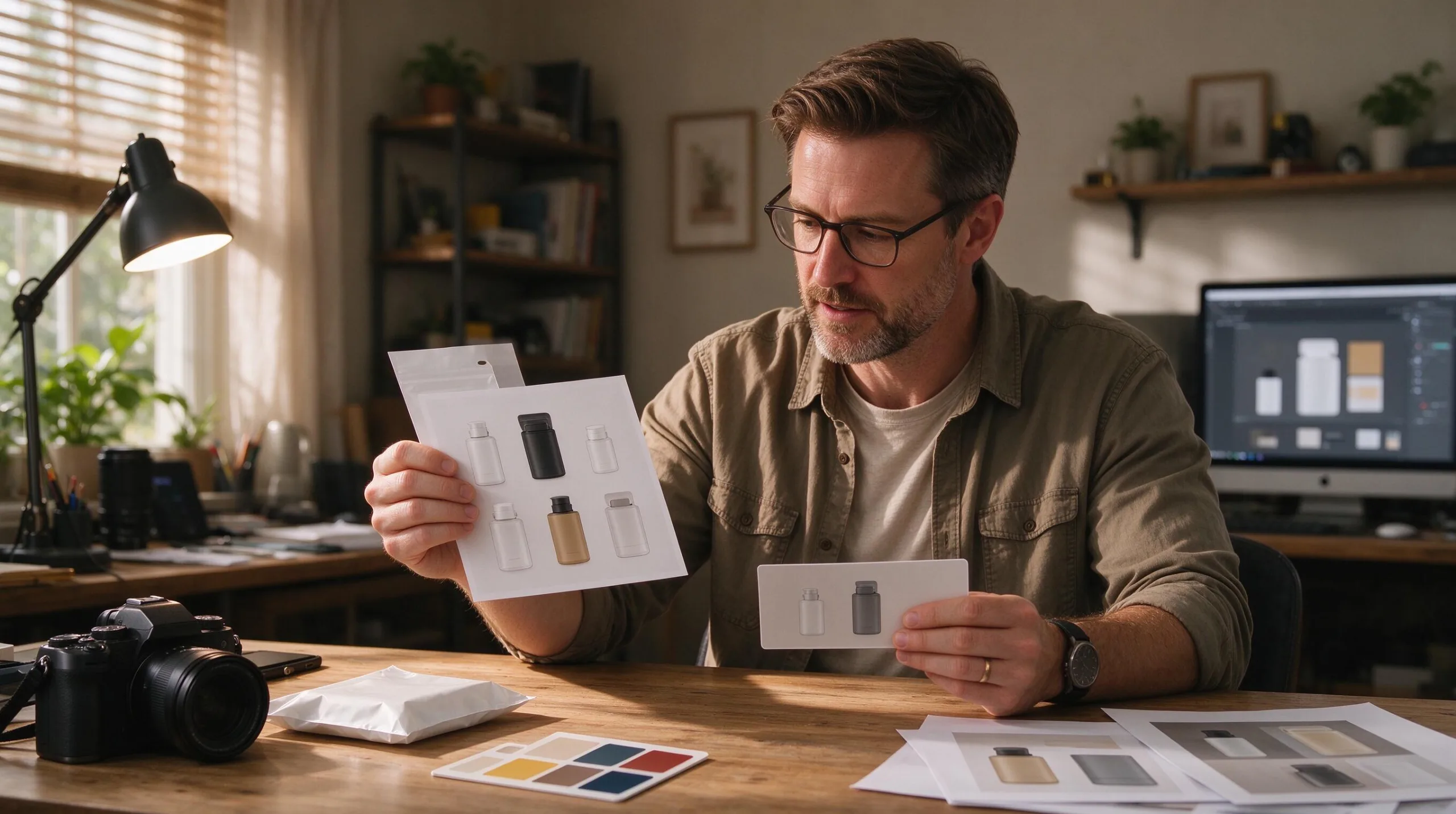
In early controlled tests, Gemini Nano Banana 2.1 shows clear ability to generate coherent product-focused scenes when the brief is narrow and the identity markers are strongly described. Lighting direction, surface response, and overall composition can feel production-adjacent rather than purely illustrative. When the request stays close to a single hero product and a limited set of environmental variables, the first generation often lands closer to usable than many earlier tools managed under the same constraints.
Where Identity Begins to Soften
The moment the brief expands—multiple scenes, wardrobe or background shifts, or requests to “keep everything the same except the season”—subtle drift appears. Edges that defined a bottle silhouette soften. Label hierarchy rearranges. Material cues that once read as matte ceramic begin to read as glossy plastic. None of these shifts necessarily make the new image less pretty. All of them make the set less coherent as a campaign system. That distinction is the core measurement this site will keep returning to.
Text and Brand-Language Limitations
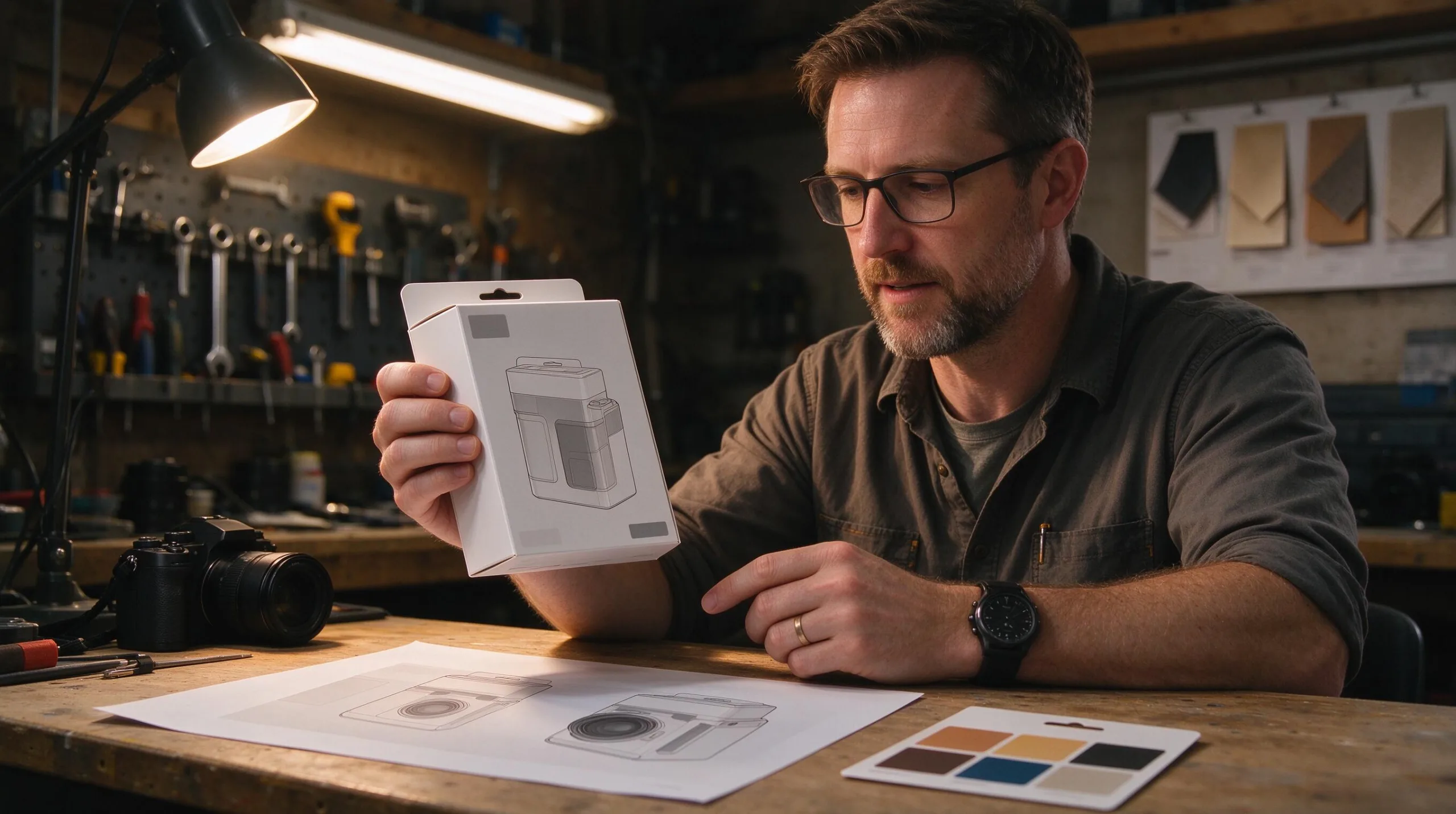
Early tests with packaging, menus, and small-label scenarios confirm a familiar pattern: short, high-contrast text can sometimes survive, while longer or finer text quickly becomes decorative rather than functional. Logos and precise brand marks remain a high-risk area. The practical conclusion is unchanged from earlier models: treat any text-critical or logo-critical element as provisional until verified in a design tool. The generation can supply the visual idea; the design file still supplies the final accuracy.
Building a Working Relationship With the Tool
Prompting as Brief Translation, Not Magic
The most reliable instructions begin by restating the commercial constraints rather than stacking aesthetic adjectives. “Keep the product identical across all frames. Change only the background season and the supporting props.” That kind of language forces the model to protect identity markers instead of inventing new ones. When the instruction set is vague, the model fills the gaps with plausible but inconsistent details. When the instruction set is specific about what must not change, the outputs stay closer to a usable system.
Revision Paths That Preserve Value
Full regeneration is the blunt instrument. Controlled editing—when the interface supports it—is the sharper one. Early tests suggest that asking the model to alter only one variable while explicitly protecting the rest produces more coherent results than starting over. The practical workflow becomes: lock the successful base image, list the single change required, and evaluate whether the identity markers survived. If they did not, the failure itself becomes data about the current limits of controlled change.
Knowing When to Hand Off
No generation interface replaces the final production steps. Precise logo placement, accessibility contrast, file-format requirements, and brand-guideline compliance still live in design software. A first-look evaluation should therefore include a clear hand-off moment: the point at which further iteration inside the model yields diminishing returns and the asset should move into Figma, Photoshop, or the client’s preferred production environment. Naming that moment early prevents the common trap of polishing an image that still cannot pass the final review.

Practical Takeaways for the First Week of Use
Start Narrow, Then Expand
Begin with single-product, single-scene briefs that demand high identity fidelity. Only after those succeed should the tests expand to multi-scene campaigns, character consistency, or complex text integration. This progression reveals the model’s current ceiling without wasting time on briefs it is not yet equipped to handle cleanly.
Keep a Failure Log
Every generation that looks finished yet fails the brief belongs in a diagnostic folder. Note the exact request, the instruction used, the point at which identity drifted, and the human fix that recovered the asset. Over a few weeks that log becomes more valuable than any prompt collection because it maps the real commercial distance the tool still cannot close on its own.
Verify Before You Publish or Present
Interface labels, model names, and capability descriptions can lag behind actual behavior. Before presenting any Nano Banana 2.1 output as production-ready, confirm current documentation, test the specific claim against a fresh brief, and apply the same visual QA a human art director would apply to a traditional photoshoot. Pretty remains the beginning of the test. Usable is the only result a client can approve.
Gemini Nano Banana 2.1 is a capable generation and editing environment with clear commercial potential. It is not a finished production system. The difference between those two statements is exactly the territory this site exists to map.
For AI tool features, rules and availability, refer to their official sites.


Leave your thoughts here, too.